Blue Light Glasses vs. Screen Time Habits: What Actually Reduces Eye Strain
Blue light glasses are unlikely to fix digital eye strain on their own. Screen discomfort is more often linked to dry eyes, sustained close focus, glare, poor posture, or an outdated prescription. Better screen habits usually address those causes more directly. Blue-filtering lenses may still suit personal preferences, but they work best as an optional addition to a practical routine.
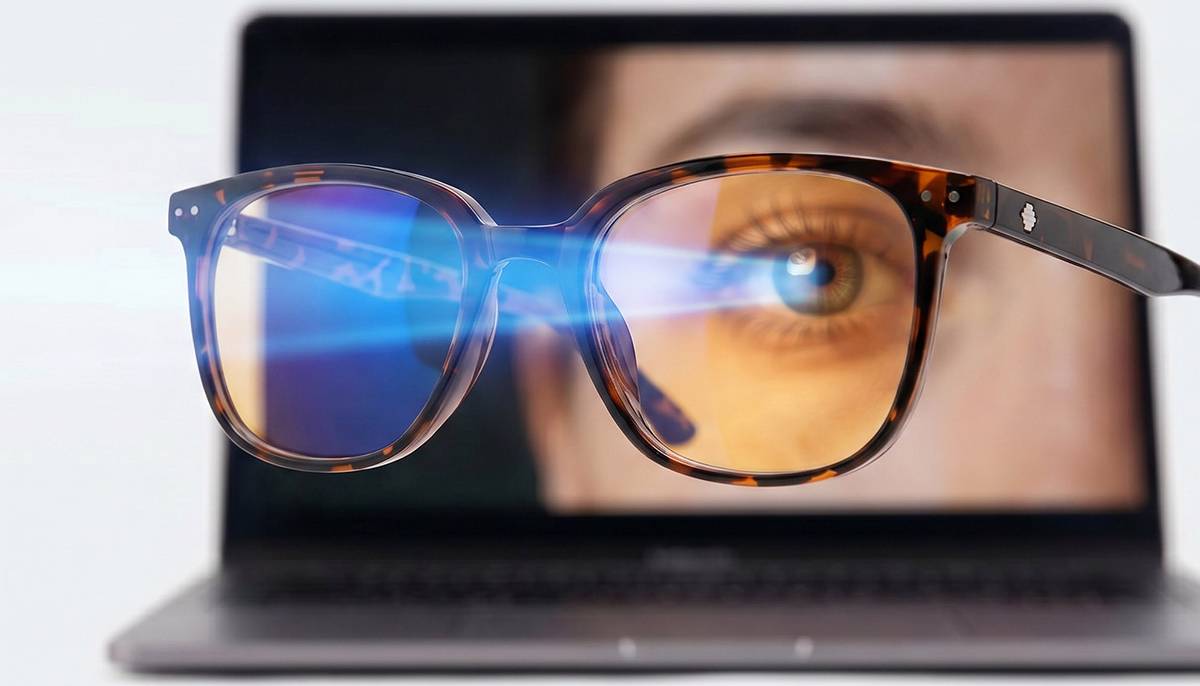
Blue Light Glasses Are Popular, but the Evidence Is Less Impressive
Popularity does not prove that a lens relieves eye strain. These glasses filter part of the blue-violet spectrum, but clear and dark amber lenses can differ greatly in filtering strength and color distortion.
The key question is, do blue light glasses actually work for symptoms caused by computer use?
Blue-light-filtering lenses may offer no short-term advantage over ordinary clear lenses for computer-related visual fatigue. Evidence about sleep was also uncertain. Screen light has not been shown to cause eye disease at normal consumer exposure levels.
A filter does not necessarily treat the source of discomfort.
What the Evidence Says About Blue Light Glasses and Eye Strain
Current clinical evidence does not show a reliable reduction in digital eye strain from blue-filtering lenses. Some wearers report comfort, but a new pair may also have a corrected prescription, an anti-reflective coating, or a better fit.
The answer to "do blue light glasses reduce eye strain?" is therefore "not consistently." They are not a replacement for healthy screen habits, but they may improve comfort for some users.
What the Evidence Does Not Mean
Some wearers may still feel better. Tint can soften a display, while anti-reflective treatment can reduce reflections. Neither response proves that blue light caused the strain.
The Main Reasons Your Eyes Hurt After Screen Time
The better question is "why do my eyes hurt after screen time?" Several factors often overlap during prolonged near work.
Fewer and Incomplete Blinks
People tend to blink less often or less fully while concentrating on a screen. The tear film then breaks up faster, causing burning, grittiness, or fluctuating blur. Contact lenses, fans, and low humidity may worsen dryness.
Sustained Close Focus
Long, uninterrupted near work can tire the focusing system and make it briefly difficult to shift focus from near to far. Small text and a screen placed too close add to the demand.
Glare, Contrast, and Posture
Reflections, unsuitable brightness, and poor contrast make content harder to see. An awkward screen position can also lead to squinting, leaning forward, and neck tension.
An uncorrected vision problem can amplify these factors. Astigmatism, farsightedness, presbyopia, or an inaccurate prescription deserve attention when symptoms persist. Blue light is not considered the main cause of digital eye strain.
Screen Habits That More Directly Reduce Eye Strain
Practical changes target dryness, close-focus fatigue, glare, and tension. Begin with the source that best matches your symptoms.
The table below turns common complaints into specific adjustments.
Problem | Action to Try | Why It May Help |
Tired focus | Use the 20-20-20 rule for eye strain | Distance viewing pauses near-focus effort |
Dry eyes | Blink fully during each break | Complete blinks spread the tear film |
Small or blurred text | Increase font size and contrast | Easier reading reduces squinting and leaning |
Reflections | Move the screen or nearby lights | Less glare improves visibility |
Neck tension | Center the monitor and adjust chair height | A neutral posture reduces strain |
Excess brightness | Match display brightness to the room | Balanced lighting is more comfortable |
Use Breaks as a Reset
Every 20 minutes, look about 20 feet away for 20 seconds. The 20-20-20 rule is a reminder, not a precise medical dose. Longer breaks still matter.
Set the Screen at a Comfortable Distance
Place a monitor roughly an arm’s length away and enlarge the text. Keep the screen in front of you, with its center modestly below eye level.
Address Dryness Carefully
Move fans away from your face and blink during pauses. Lubricating drops may help, but redness-relief drops are different. Ask a professional about frequent or painful dryness.
These are the main ways to reduce digital eye strain without blue light glasses because they address common triggers directly.
Situations Where Blue Light Glasses May Still Feel Helpful
Blue light glasses can remain a reasonable preference when expectations are realistic. A mild tint may make a bright screen look less harsh or act as a cue for an evening wind-down routine.
Time of day changes the question. Evening light can affect the body clock, but brightness, duration, and room lighting matter. Evidence for filtered spectacles and sleep is mixed. Dim devices and reduce screen use before bed first.
Blue light glasses for digital eye strain may also include anti-reflective treatment. Any improvement could come from reduced glare rather than removal of blue wavelengths.
Blue Light Glasses and Computer Glasses Serve Different Purposes
The terms overlap, but they describe different features. Blue light glasses filter selected wavelengths. Computer glasses are designed for a workstation’s viewing distance.
The table clarifies blue light glasses vs. computer glasses.
Feature | Blue Light Glasses | Computer Glasses |
Main function | Filters part of the blue-violet spectrum | Corrects vision for a set near or intermediate distance |
Prescription required | No | Often |
Likely role in eye strain | Limited and inconsistent | May help when focusing demand or prescription is a factor |
Other options | Tint or filter coating | Anti-reflective coating or occupational lens design |
Best fit | Personal light or tint preference | Desk work at a measured screen distance |
One pair can include both features. A filter does not turn a non-prescription lens into a computer prescription. Progressive wearers and people with multiple monitors may need an assessment of working distances.
How to Select Blue Light Glasses Without Overpaying
Are blue light glasses worth it? Perhaps, if you like the tint or already need new lenses. They are less compelling when sold through fear or promised as a complete answer.
Check the Prescription First
Use a current prescription and accurate pupillary distance. Lens power, optical centering, and frame fit usually outweigh the filter. Do not cover persistent blur with tint.
Ask What the Lens Actually Does
Look for a stated wavelength range and filtering percentage. "Blocks blue light" says little. Clear and amber lenses perform differently, and stronger tints can distort color-sensitive work.
Separate the Lens Features
Check whether anti-reflective, scratch-resistant, and UV treatments cost extra. Blue filtering does not replace outdoor UV protection. Frame comfort matters too.
Build an Eye-Strain Routine That Combines Glasses and Habits
A useful routine starts with the likely cause. Test one or two changes for a week.
Before Screen Work
● Clean the lenses and screen.
● Set readable text size and comfortable brightness.
● Set a suitable screen distance.
● Wear the correct task prescription.
During Screen Work
● Take regular distance-viewing breaks.
● Blink fully when switching tasks.
● Change posture during longer breaks.
● Stop if pain or blur increases.
After Screen Work
Note which symptom comes first. The pattern can help an eye-care professional identify the likely cause.
Glasses can support this routine, but cannot replace breaks or appropriate vision correction.
Make Screen Comfort a Daily Habit
Start with the changes most likely to reduce strain: regular distance breaks, full blinks, readable text, controlled glare, and a comfortable screen position. Keep your prescription current and treat blue light glasses as optional, not essential. If symptoms continue despite these changes, arrange an eye exam instead of adding stronger filters or simply tolerating ongoing pain throughout the whole workday.
Frequently Asked Questions
Q1: Do blue light glasses help prevent screen-related headaches?
Sometimes, but the filter is unlikely to solve most screen-related headaches. Head pain may reflect squinting, glare, dry eyes, migraine, or neck tension. Seek medical advice for sudden, severe, or worsening headaches, especially with weakness, confusion, or vision changes.
Q2: Can children safely wear blue light glasses for schoolwork?
Generally, yes, standard non-prescription filters are not known to harm healthy eyes. However, they do not replace outdoor time, breaks, or vision care. A child who squints, closes one eye, avoids reading, or reports recurring headaches should receive an eye exam.
Q3: Do blue light glasses improve sleep after nighttime screen use?
Possibly, but results are inconsistent. Glasses vary in filtering strength and timing of use. A regular bedtime, dimmer room lighting, lower screen brightness, and less screen use before bed may have a clearer effect. Persistent insomnia warrants professional advice.
Q4: Should prescription-glasses wearers add a blue light filter?
Only if they want the filter after considering its limited evidence for eye strain. Correct lens power, optical measurements, fit, and glare control matter more. A task-specific prescription may provide greater value for prolonged computer work.
Q5: Which eye-strain symptoms require a professional eye exam?
Persistent or worsening symptoms deserve an exam, particularly eye pain, light sensitivity, double vision, ongoing blur, marked redness, or one-sided symptoms. Sudden vision loss, new flashes, many floaters, a curtain-like shadow, or severe injury requires urgent care.